
Mute your mic with one click
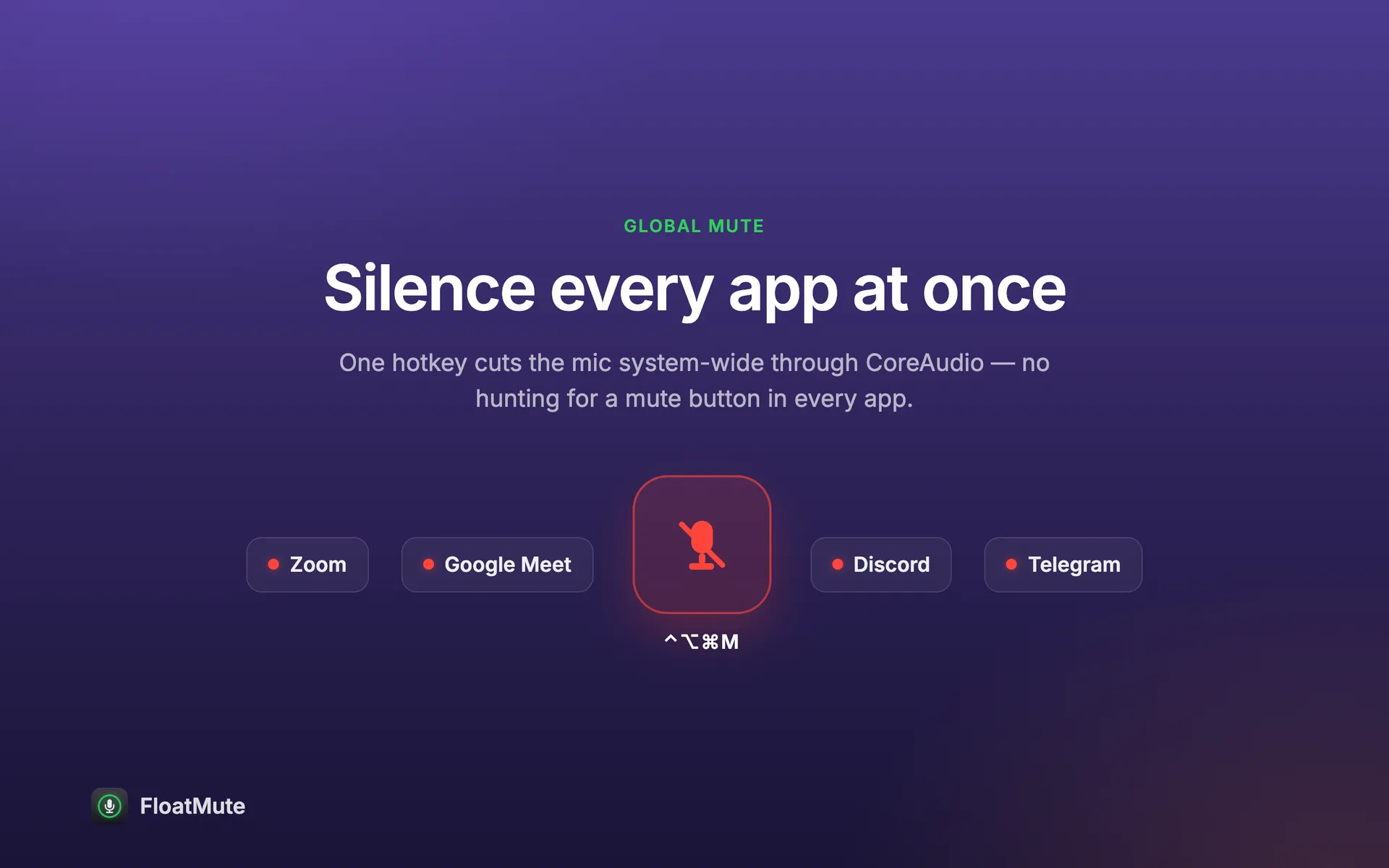
A small round button floats above every window and shows whether your microphone is live. Click it, or press one hotkey, and the mic is muted in every app at once.
Free for macOS 14 or later. No account. It never asks for microphone access.
Click the button. This is how the floating widget works on your Mac. or press ⌃⌥⌘M
Works in every app that listens
- Zoom
- Google Meet
- Microsoft Teams
- Discord
- Telegram
- Slack
- FaceTime
The mute is set on the microphone itself, so these apps and all others hear silence.
One button for the whole Mac
No hunting for a mute button inside each call window.
- Floating widget
- A round button above every window, on every Space, even over full-screen apps. Click to toggle, drag to move it anywhere, and set how see-through it is.
- Mutes every app at once
- One switch for the microphone itself, not for one call at a time. Zoom, Meet, Teams, Discord and the rest all hear silence.
- One shortcut from anywhere
- ⌃⌥⌘M toggles the mic from any app, and a small HUD shows the new state. You can change the keys. Push-to-talk works too: hold the keys to speak.
- Status in the menu bar
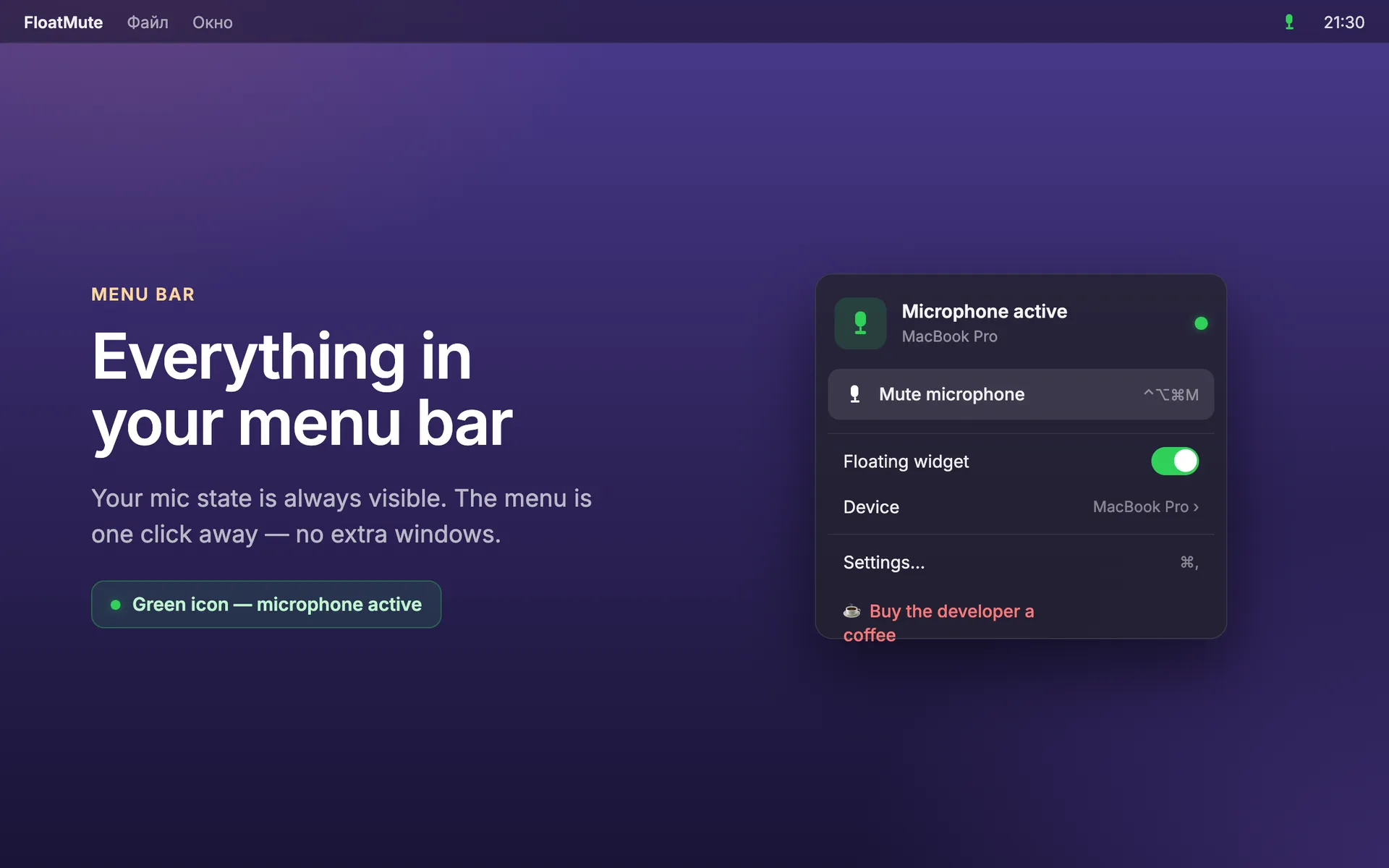
- The icon shows at a glance whether the mic is live or muted. One click opens a short menu: mute, show or hide the widget, pick the microphone, open Settings.
- Choose your microphone
- Control the default input or pick a specific one, such as a headset or an external microphone.
- Starts at login
- Optional. Turn it on once and the widget is already there after a restart. There is no Dock icon and no window in the way.
- Speaks your language
- The app speaks nine languages: English, Russian, Chinese, Japanese, German, French, Spanish, Portuguese and Korean.
See it in use
Real screens of the app.

How it works
-
Click the button
The widget turns red when the mic is muted and green when it is live.
-
Or press ⌃⌥⌘M
Works while another app is in front, in a call or in full screen.
-
Put it where you like
Drag the widget to a corner. It remembers its place.
Control, never capture.
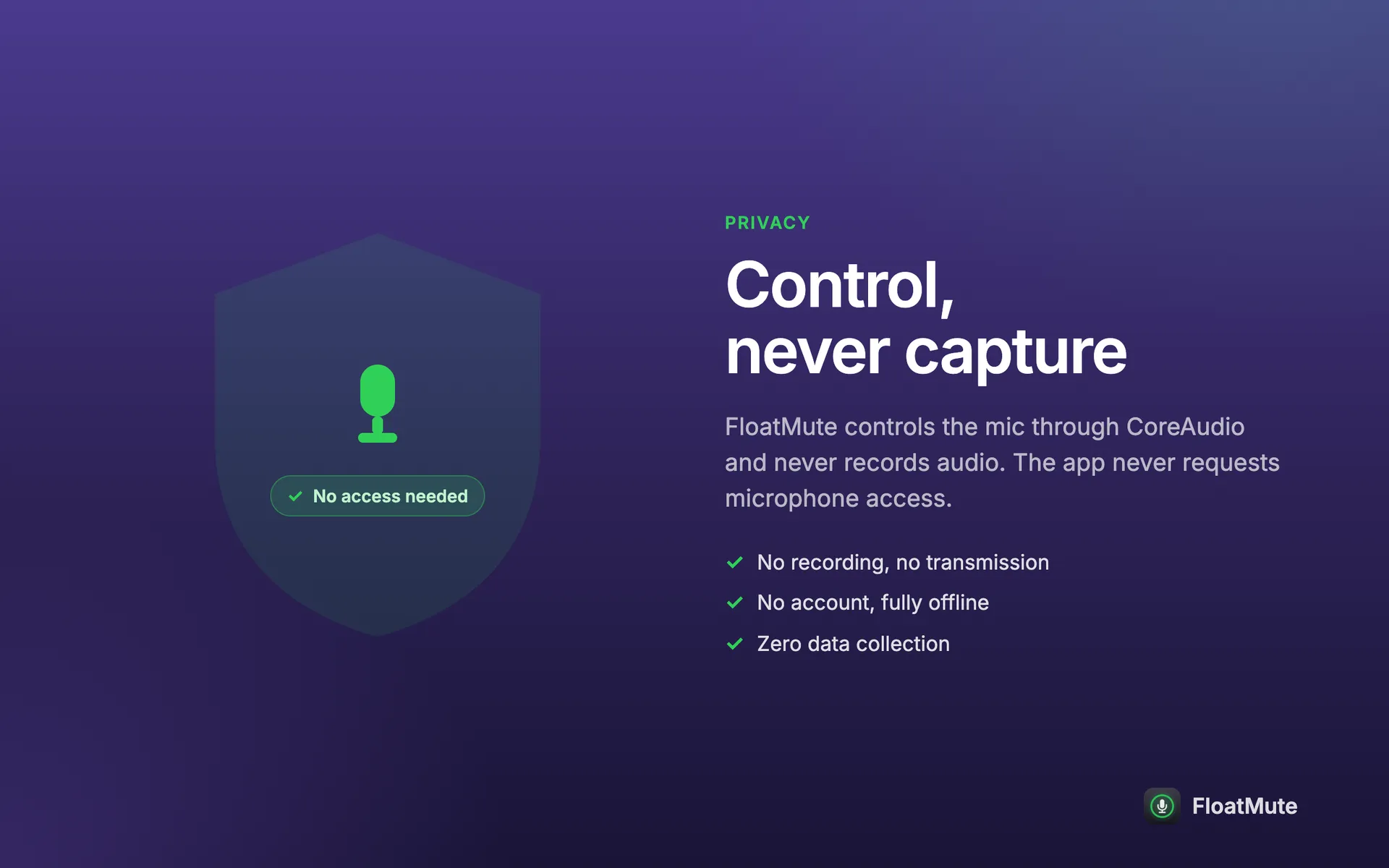
The app flips the microphone's own mute switch. It does not listen to anything, so it has nothing to record and nothing to send.
- No microphone permission
- macOS asks for permission only when an app captures sound. This one does not, so it never asks and never lights the recording indicator.
- No network
- The app does not connect to the internet. A link opens in your browser, and only when you click it.
- No account
- Nothing to sign up for and nothing to log in to.
- Settings stay here
- Your device, shortcut, widget position and opacity are kept in the app's preferences on this Mac and nowhere else.
- Nothing collected
- No analytics, no crash reports, no identifiers, no ads, no third-party code.
Questions and answers
Why does it not ask for microphone access?
Because it never records or listens to audio. It only switches the mute state of the microphone through the system audio interface, which macOS does not treat as capture.
Does it work in Zoom, Meet and Teams?
Yes. The mute is applied to the microphone at the system level, so it takes effect in every app that uses it, including Zoom, Google Meet, Microsoft Teams, Discord, Telegram, Slack and FaceTime.
How do I change the shortcut?
Open Settings from the menu-bar icon and go to the Hotkey tab. The default is ⌃⌥⌘M. You can also choose toggle or push-to-talk there.
Can I still hear myself or see the mic level?
The app only mutes and unmutes. When the mic is muted, other people and apps get silence. It does not play your voice back and does not show a level meter.
What is the difference between the App Store copy and the direct download?
They do the same thing. Only the direct download has an optional tip link in the menu. The App Store copy updates through the App Store.
Is it free?
Yes. You can use the app on your own Macs for personal or work purposes at no charge. The terms page has the details.
Which Macs does it support?
macOS 14 Sonoma or later, on Apple silicon and Intel Macs.
Get Float Mute
Free. Needs macOS 14 or later. About 1.4 MB.
Mac App Store
Open the Mac App StoreDirect download
Download for macOSBoth copies do the same. Only the direct download has an optional tip link.